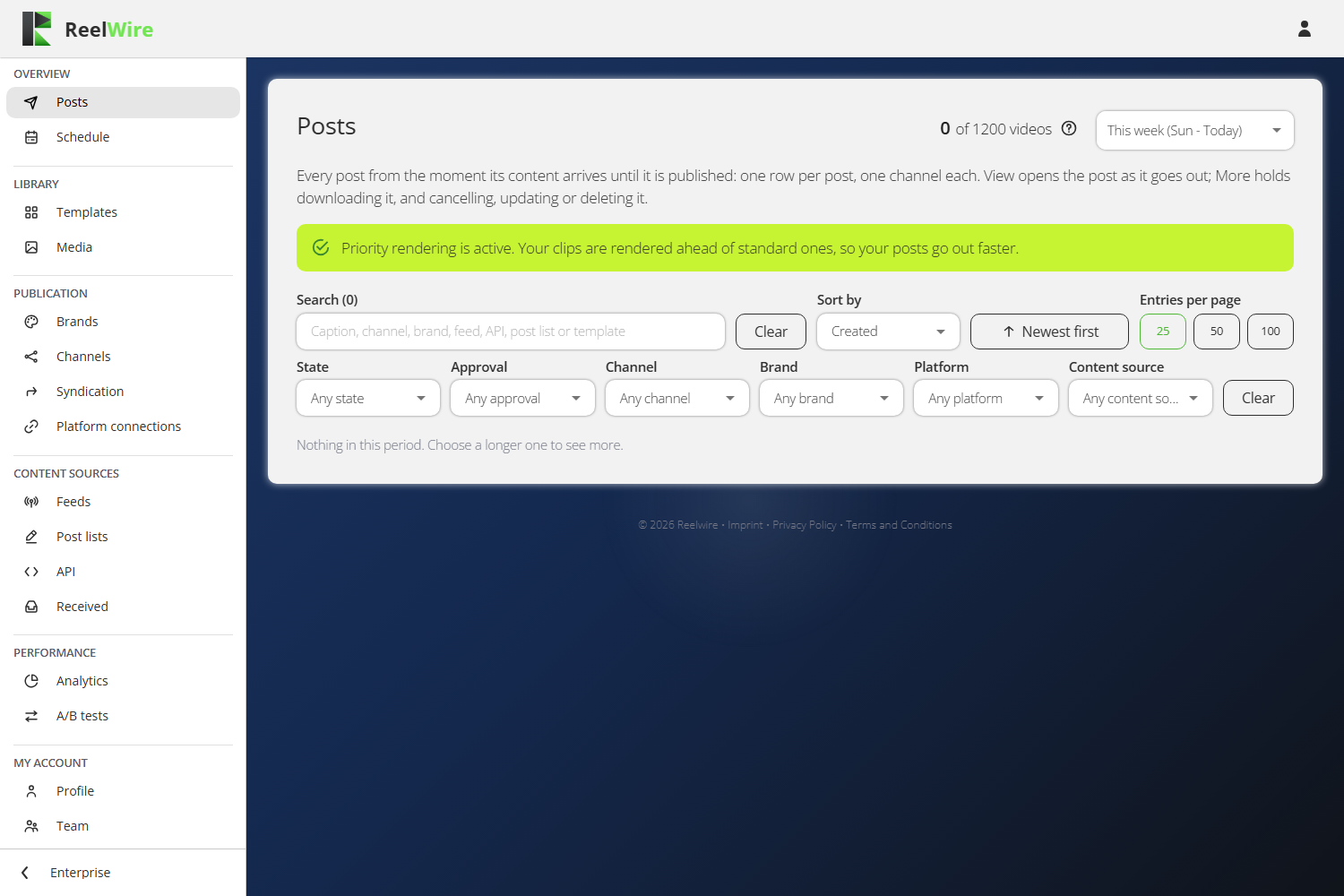
Posts
One row per post, per channel, from the moment its content arrives until it is published. This is the daily screen and the one you land on.
It replaced four screens that each showed one stage of the same work. Following a single story meant jumping between them, and the point of Reelwire is to post, so the post is the row.
Following one post through
An event arrives from a feed, a post list or the custom API. Every channel listening to that source gets a row. Each row is then drawn in that channel's aspect ratio and language, wearing that channel's brand, and goes out through that channel's platform connection.
| Status | What it means |
|---|---|
| ACCEPTED | The content is in. Its render has not been created yet. |
| AWAITING RENDERING | In line for a render machine. |
| RENDERING n% | Being drawn right now. |
| AWAITING APPROVAL | Waiting for a person to clear it. |
| SCHEDULED | Cleared, waiting for its posting time. Nothing is wrong with a post that sits here. |
| PUBLISHING | On its way to the platform. |
| PUBLISHED | Out. Use More, then View on platform. |
| UPDATING | A change was sent to the platform connector and is waiting to be confirmed. The post reads as before until then. |
| RENDER FAILED, POST FAILED | It stopped, and the row says why. |
| CANCELLED | Stopped before posting: somebody pressed Cancel, or its clip was deleted or removed to make room. |
Hover a status for the same explanation in the product. Waiting in line and being drawn both read as waiting here, deliberately: to the person waiting they are the same thing.
Filters answer from what is there
Every filter is answered by the server from the posts that exist, and the state filter carries live counts, so a dropdown never offers a state that nothing is in. If a filter offers "Failed (3)" you have three; if it does not offer Failed at all, you have none.
The filters do not persist between visits. A filter left in place is the commonest way to conclude that your data has disappeared.
View and More
View opens the post as it will go out: the clip at its real shape, with the title where the platform has one, the caption, the brand's line, the link and the hashtags. That is the screen to check before approving something.
More holds the actions, and only the ones that apply to that row:
- Download saves the clip and its text as a zip.
- Repost publishes it again, now, with the same video and text. It appears as a new post.
- View on platform opens the live post.
- Cancel stops everything still to happen. It cannot stop a post that has finished.
- Update on platform edits the live post.
- Delete from platform removes it from the platform for good, and asks you to type the channel name first.
More is offered only to somebody holding the Operations permission. A reviewer who holds Approvals and nothing else sees View, and Approve and Reject on the rows waiting for them.
Updating a published post
The caption counter in the Update dialogue is not the platform's limit. It is the platform's limit less the brand's description, less the link where the platform posts links, and less the hashtags unless this channel posts them as the first comment. Counted that way, a caption that fits here is not shortened on the way out.
Changing the brand description or the link in this dialogue changes this post only. It does not change the brand.